
AI video and images
Create from descriptions, your own photos and ready-made templates.
 GPT Image 2
- GPT Image 2.5 Flare
- GPT Image 2.5 Sunburst
 Nano Banana
- Nano Banana 2
- Nano Banana 2.1
 Seedream 4.5
 Grok Imagine Video 1.5
 P Video
 Kling V3 Omni
- Seedance 2.0
- Seedance 2.0 Fast
- Seedance 2.0 Mini
- Seedance 2.5
- Veo 3.1 Fast
- Veo 3.1
- Veo 3.1 Lite
Image generation
Create and edit images from descriptions and references. Choose a model and format for your task.
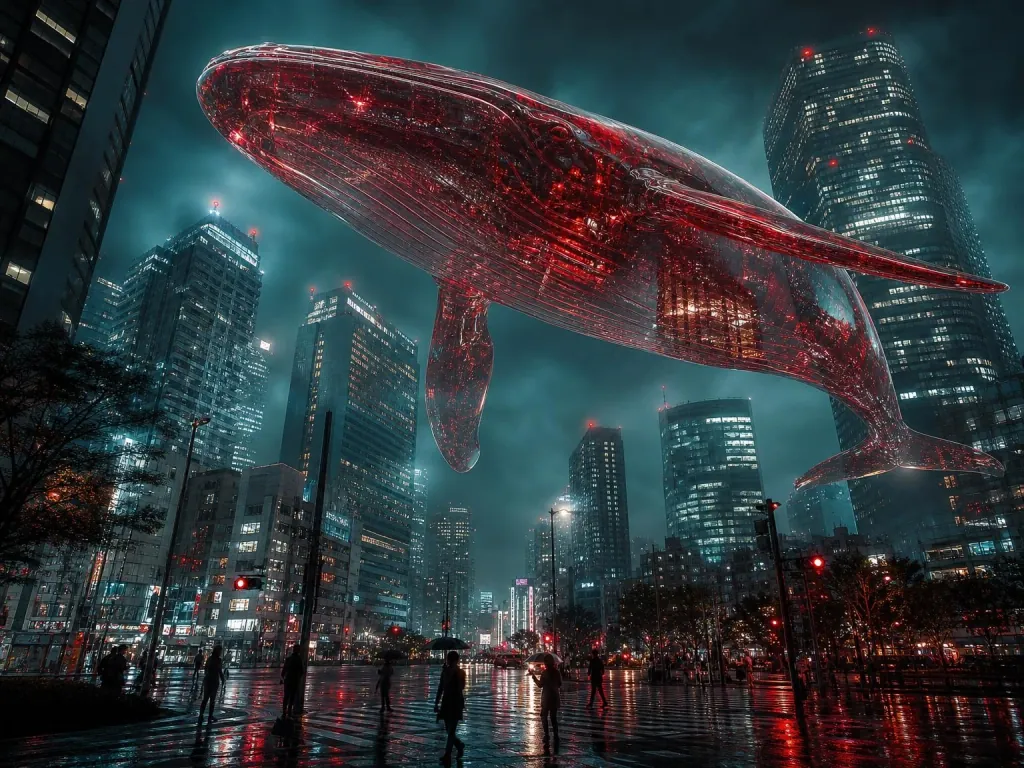
GPT Image 2
Create and edit images. Choose the quality and format for your project.
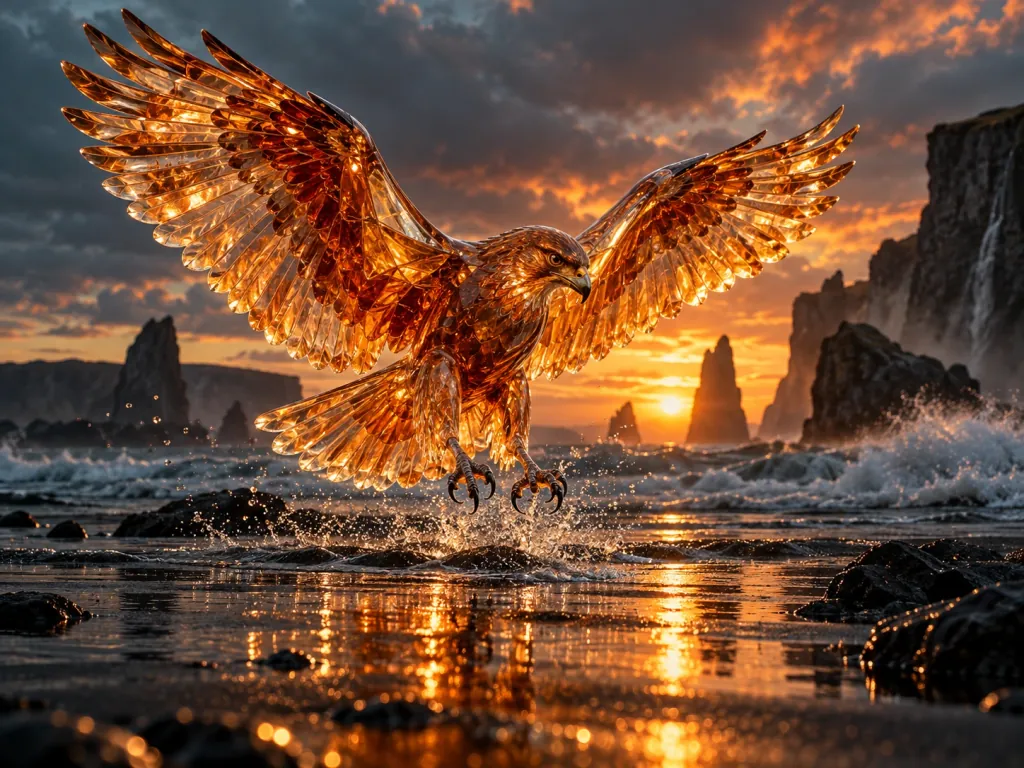
GPT Image 2.5 Flare
Quickly create and edit images from descriptions and visual references.
GPT Image 2.5 Sunburst
Precisely edit images while preserving important details, composition and lighting.
Nano Banana
Turn an idea into an image, or take your own photo in a new direction.
Nano Banana 2
Generate and work with visual references at your chosen resolution.
Nano Banana 2.1
Create and edit images up to 4K with visual references.
Seedream 4.5
Build visual scenes and refine the details. Set your image size and composition.
Video generation
Create video from text or an image. Duration, keyframes and audio depend on the model you choose.
Grok Imagine Video 1.5
Animate an image: add a first frame and describe the motion. Set the duration and resolution.
P Video
Define the start and end of your scene. Choose duration, resolution and frame rate.
Kling V3 Omni
Create video from a description, anchor frames and image references.
Seedance 2.0
Bring text, images, video and audio together in one scene.
Seedance 2.0 Fast
The Fast variant for working with motion, anchor frames and sound.
Seedance 2.0 Mini
The Mini variant for generating from text, frames and different reference types.
Seedance 2.5
Create videos up to 30 seconds from text, frames, or image, video and audio references.
Veo 3.1 Fast
Turn descriptions and anchor frames into video. Add sound when you need it.
Veo 3.1
Work with descriptions, frames and visual references. Create a scene with sound.
Veo 3.1 Lite
Create video from text or frames at your chosen duration and resolution.
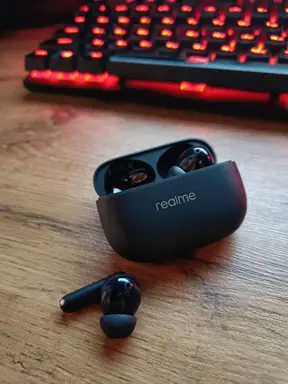
Product cards
Turn a product photo into a cover, infographics and a series for your marketplace listing.
Photoshoots
Add your photo and choose a scene from the catalog. The examples show one character in a studio, in the city and by the sea.
Choose a photoshoot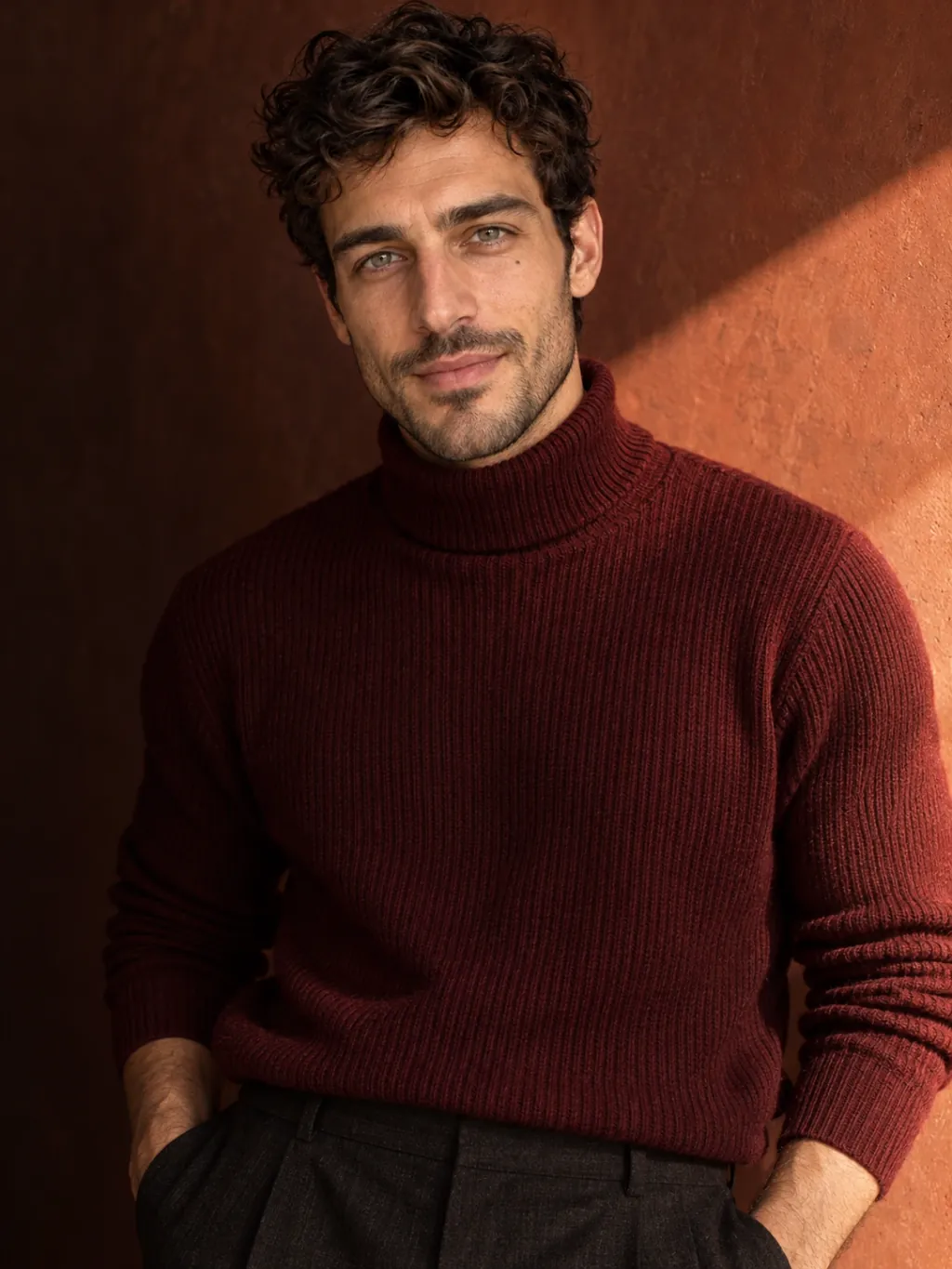
AI Avatar
Add a character photo and a movement video. The character repeats the dance, gestures or facial expressions in the clip. You can also choose a movement from the library.
Create an avatar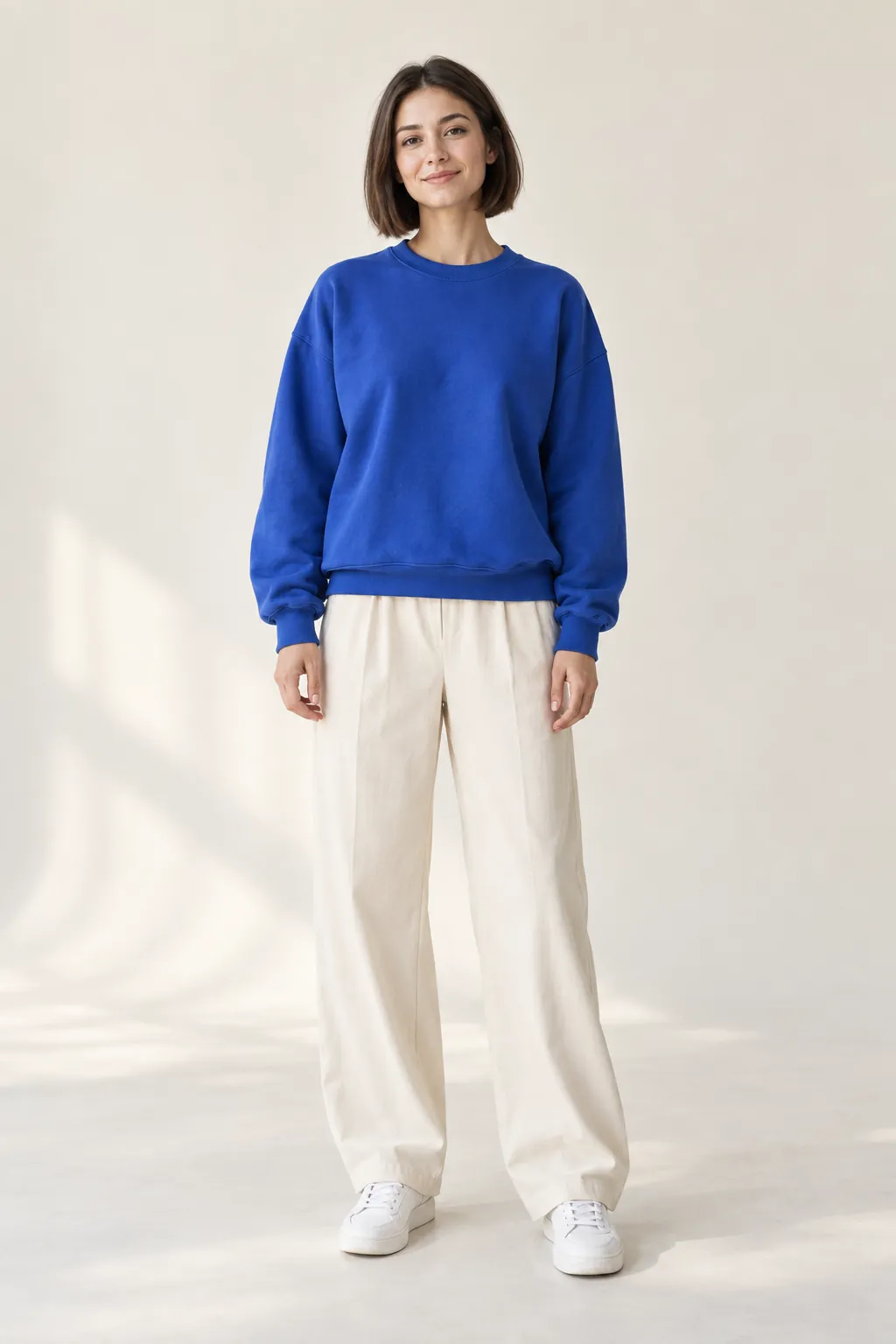
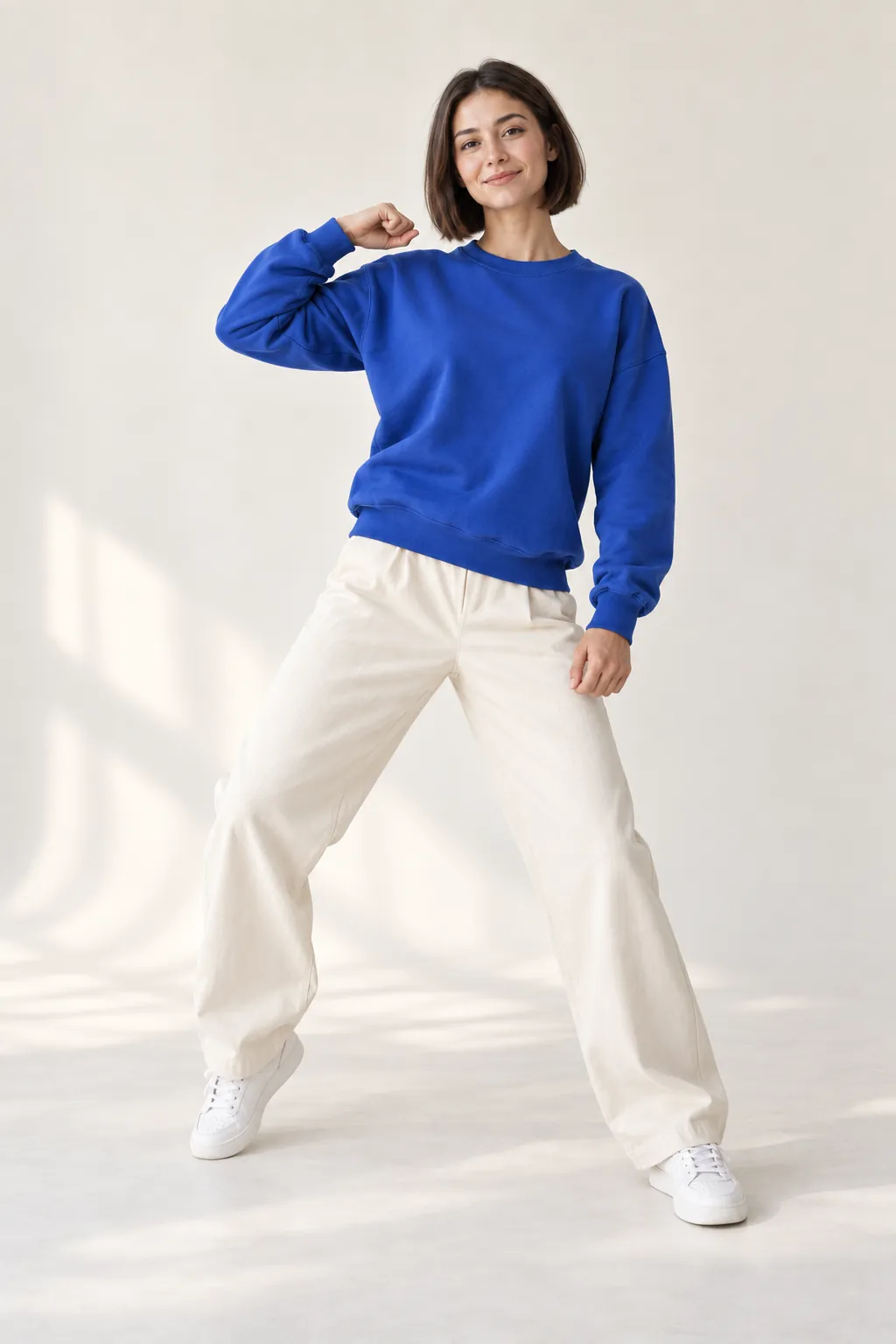
An illustration of the transferred movement
From an idea to a finished frame
Start with your idea
A product card, a new look or a video — choose the tool that fits your idea.
Make it yours
Describe a scene, upload a photo or choose a template. Check the price, then start creating.
Take your result with you
Open and download your image or video from the gallery. Your work stays in your account.
tokens on us
Try your first idea
Sign up and get 5 tokens. Choose a tool and try OpenCreative with your own ideas.
No bank card needed
Token packages
One balance for all OpenCreative tools. Choose the token amount you need for a one-time top-up.
Loading packages…
See the exact cost of each generation in OpenCreative before you start.
Frequently asked questions
What can I create in OpenCreative?
Images and videos from descriptions or references, product cards, photoshoots from templates and AI avatars with motion transferred from video.
Can I use my own photos?
Yes. Upload photos for image editing, product cards and photoshoots. The AI avatar needs a character photo and a motion video.
How are generations paid for?
Generations use tokens from one balance. The cost depends on the tool, model and settings and is shown before you start.
Where are completed results saved?
Completed results are saved to your account gallery, where you can view and download them.
Image examples
Choose an example to open its description in Studio and create your own version.
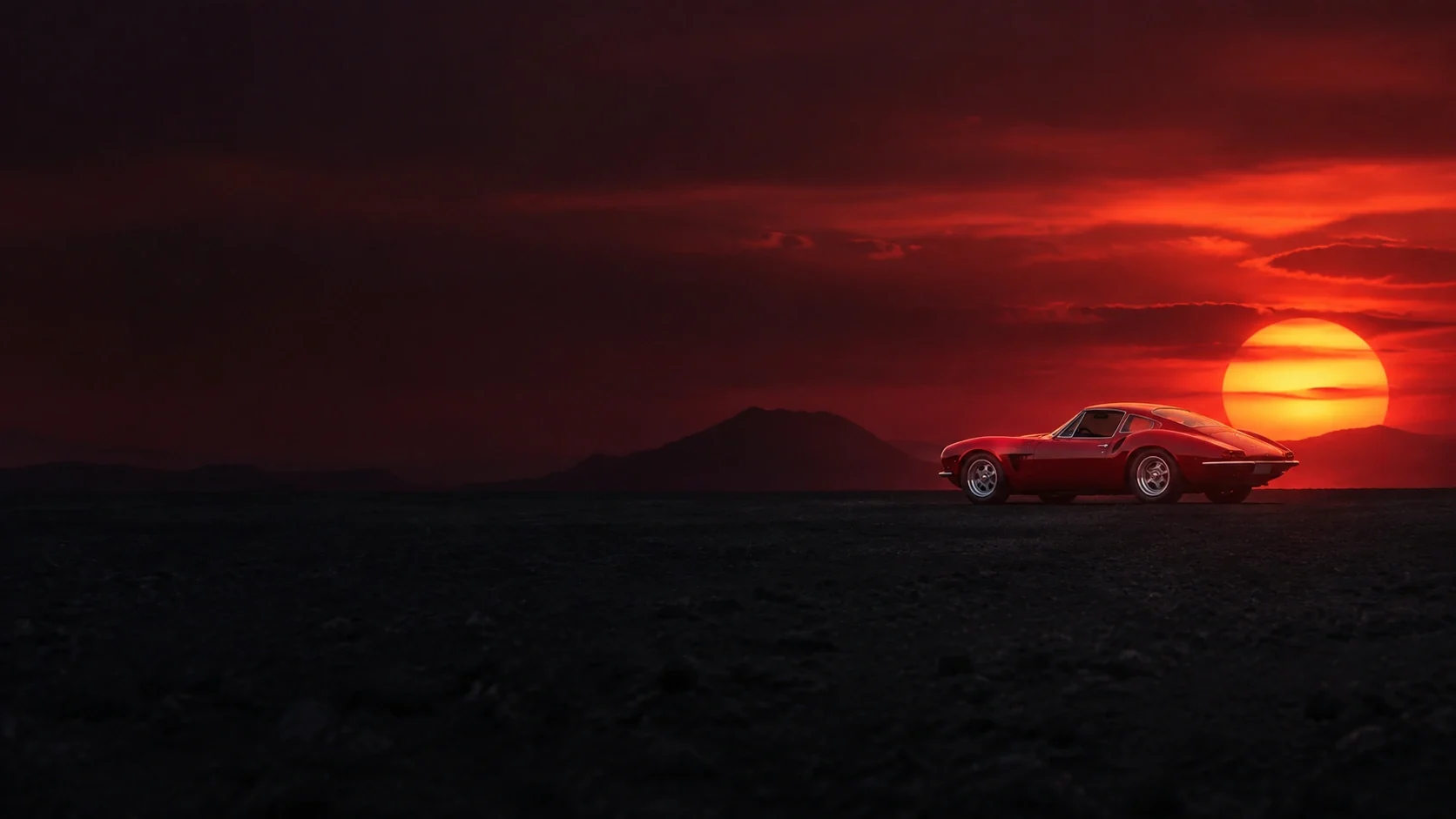
YOUR NEXT IDEA STARTS HERE.
We bring the tools. You bring the story.
Open Studio