01/ 03
Upload a product photo
Start with a photo that shows your product clearly.
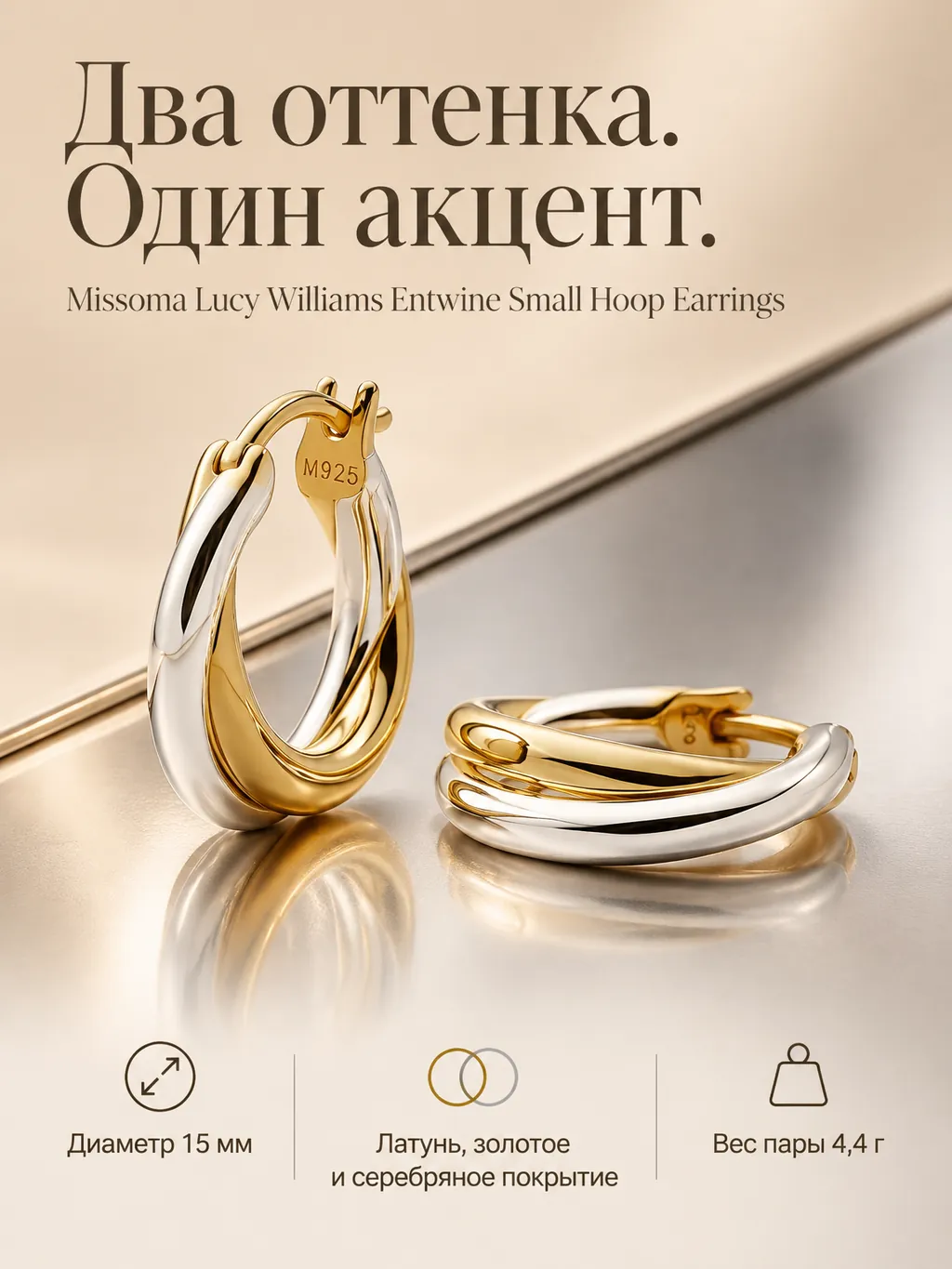
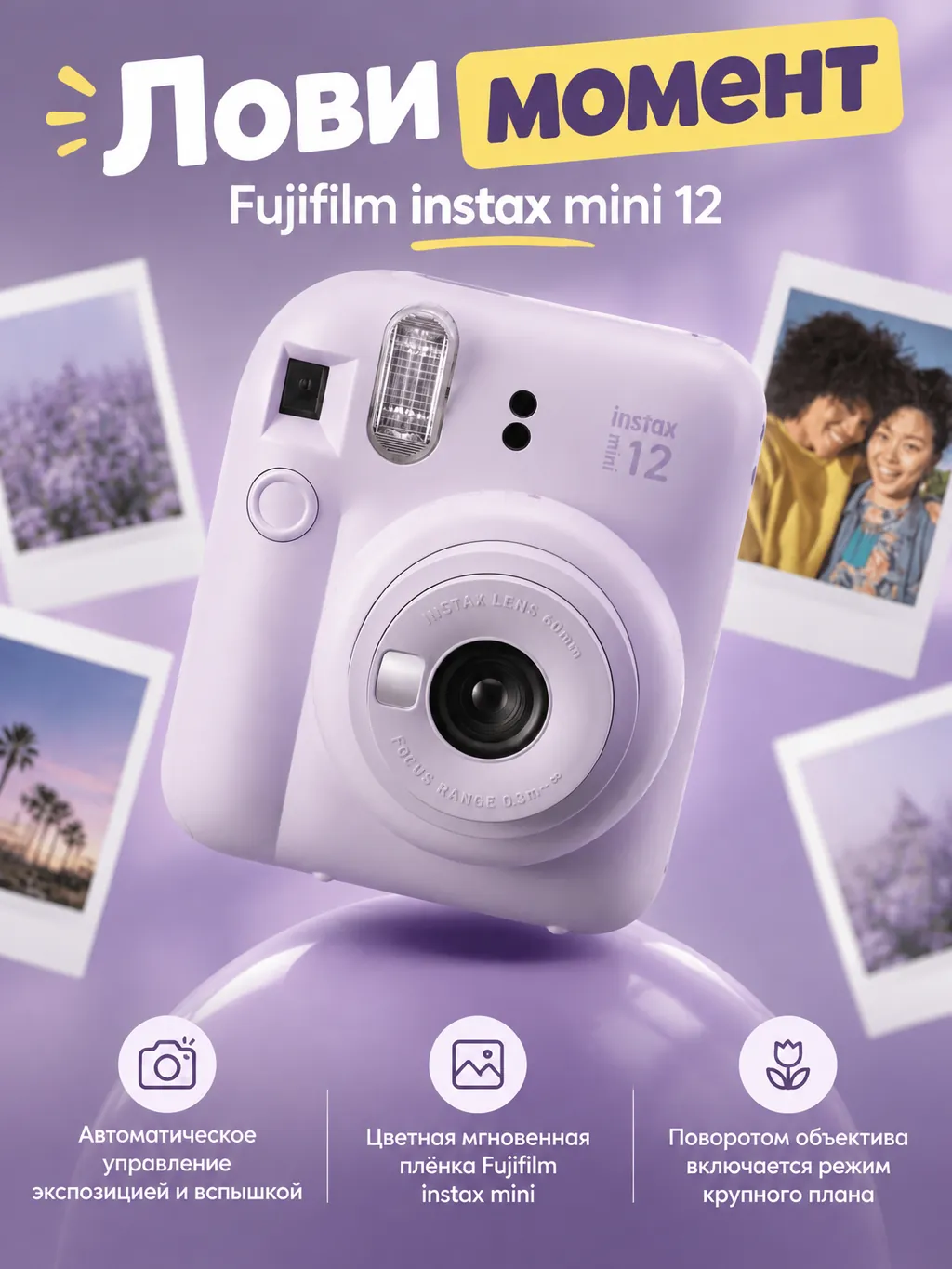
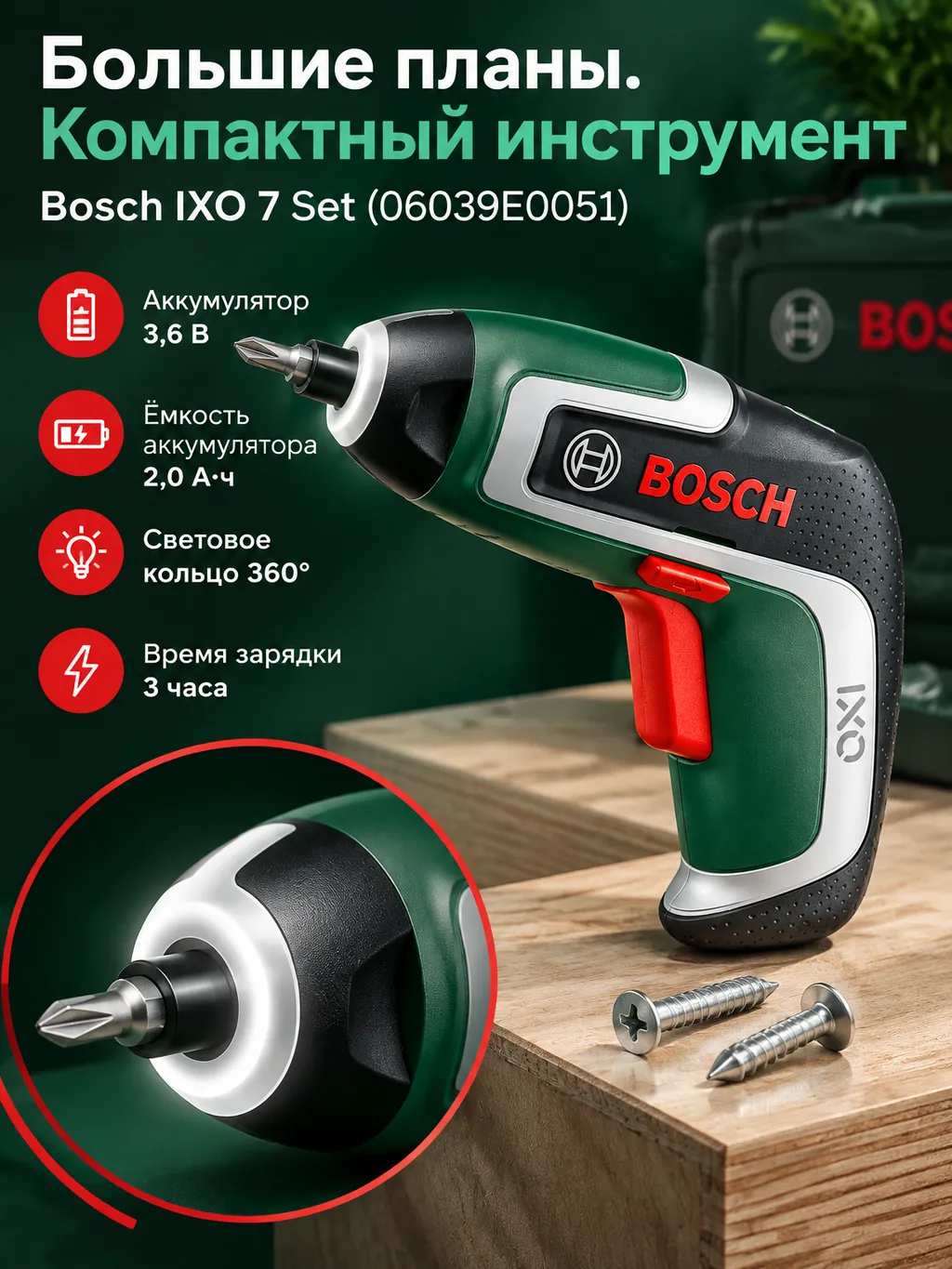
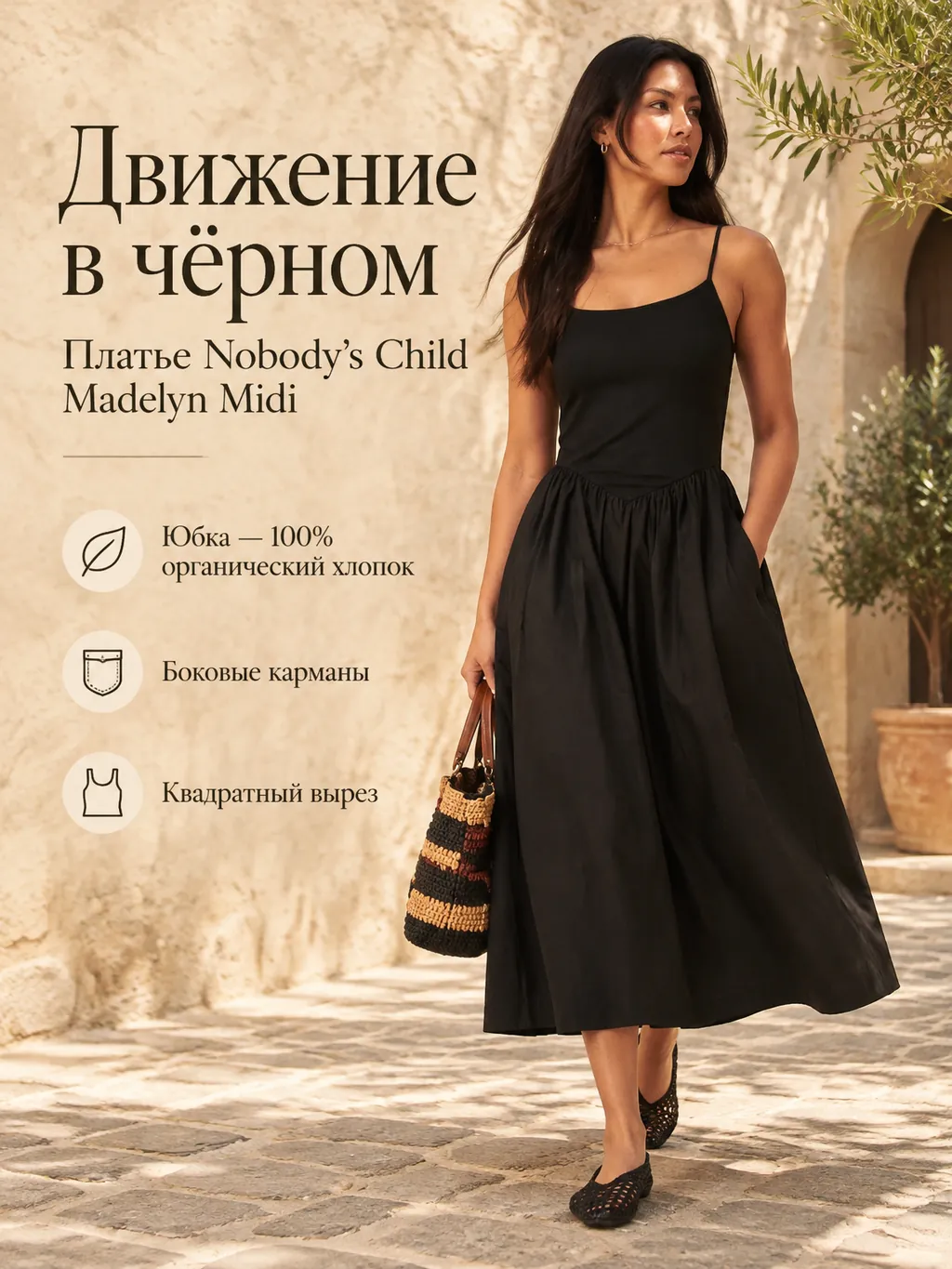
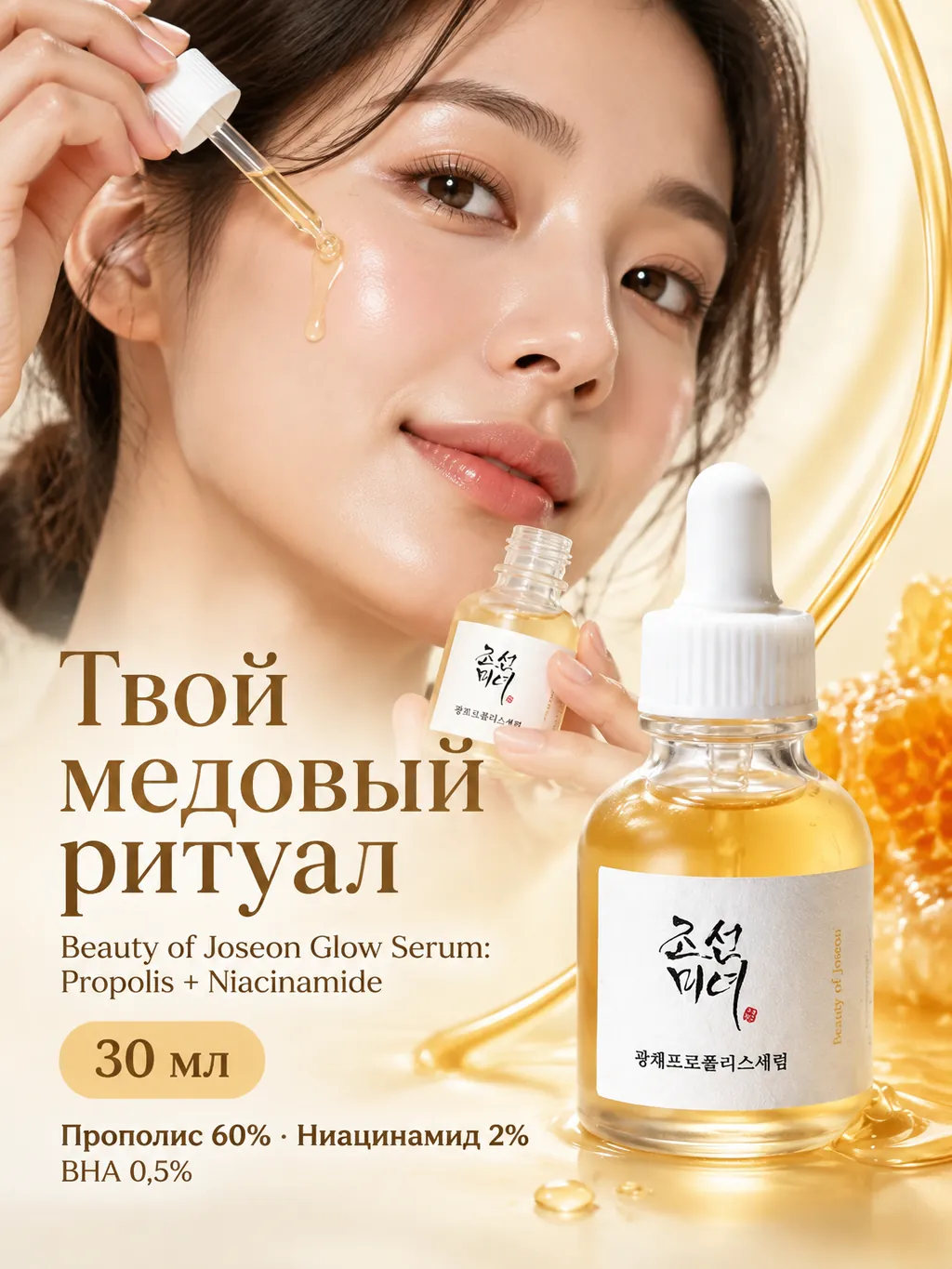
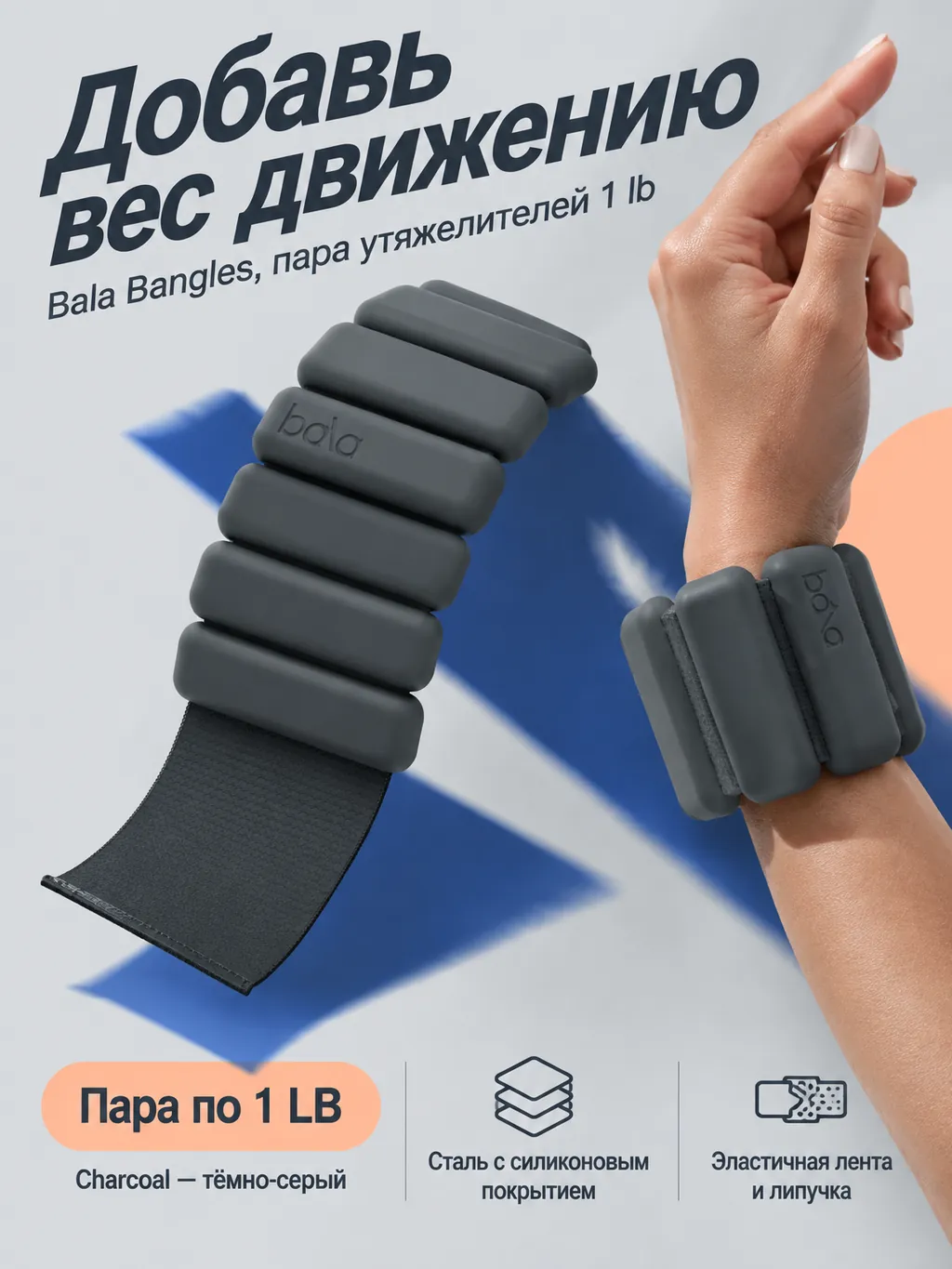
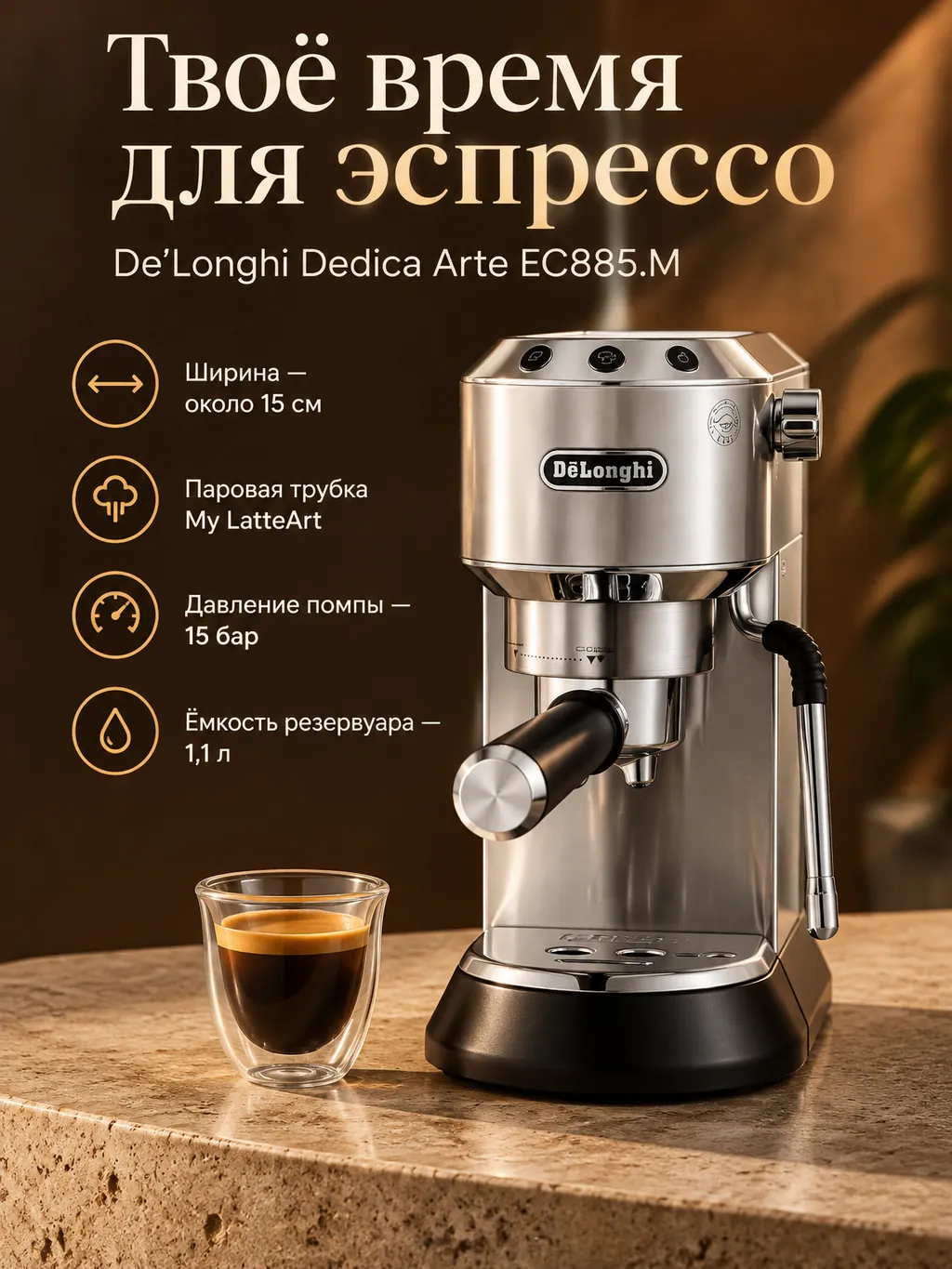
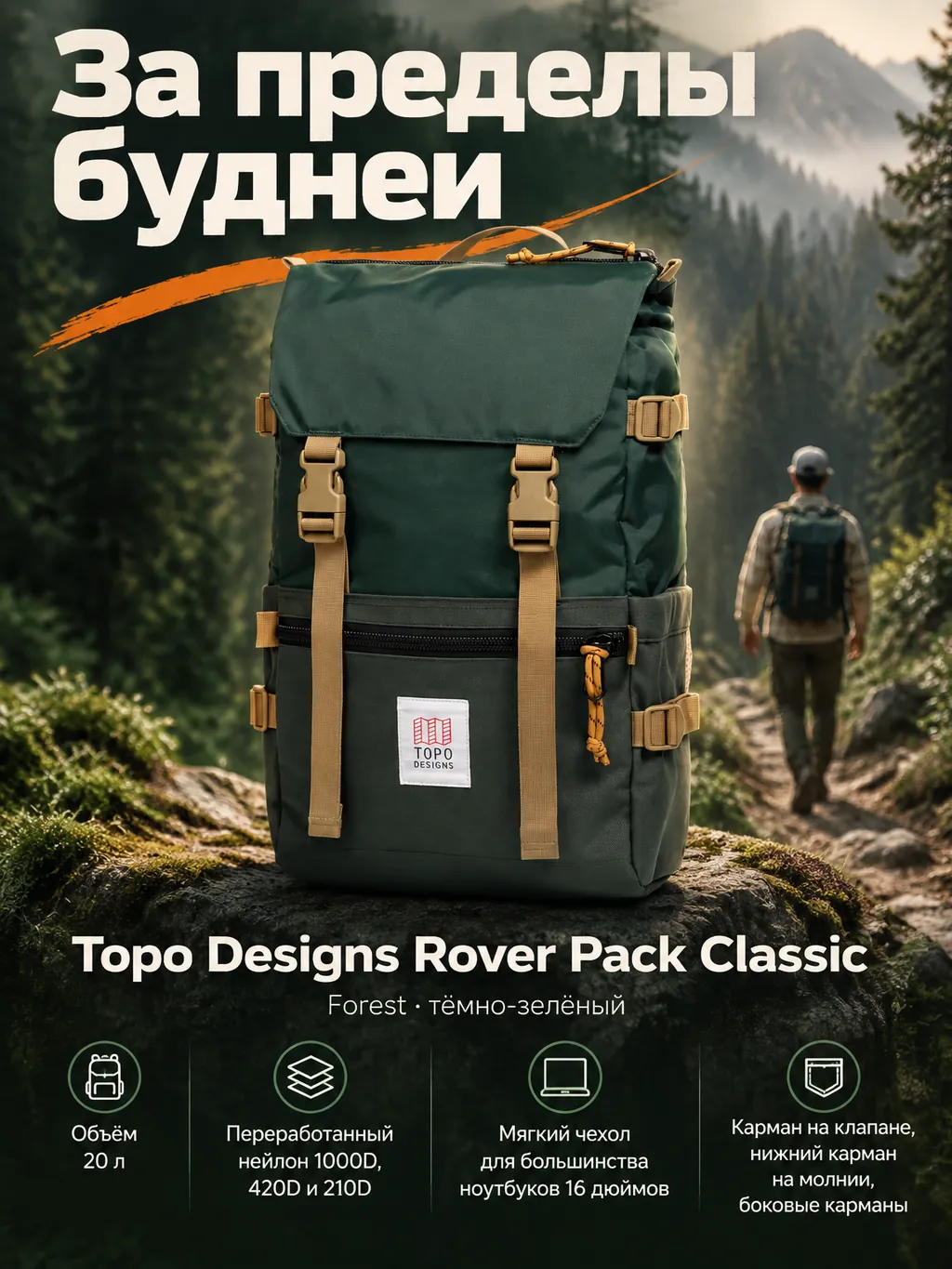
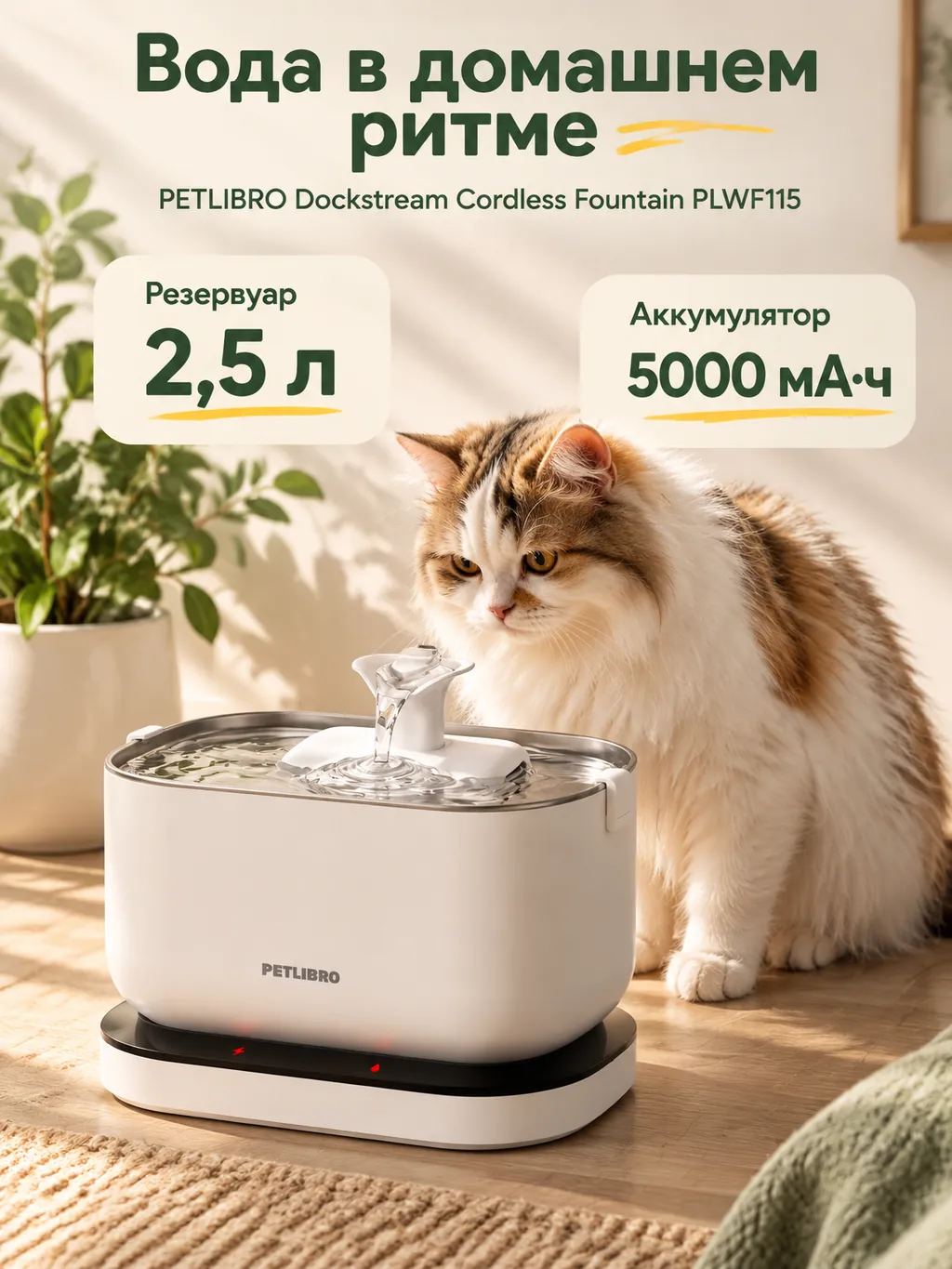
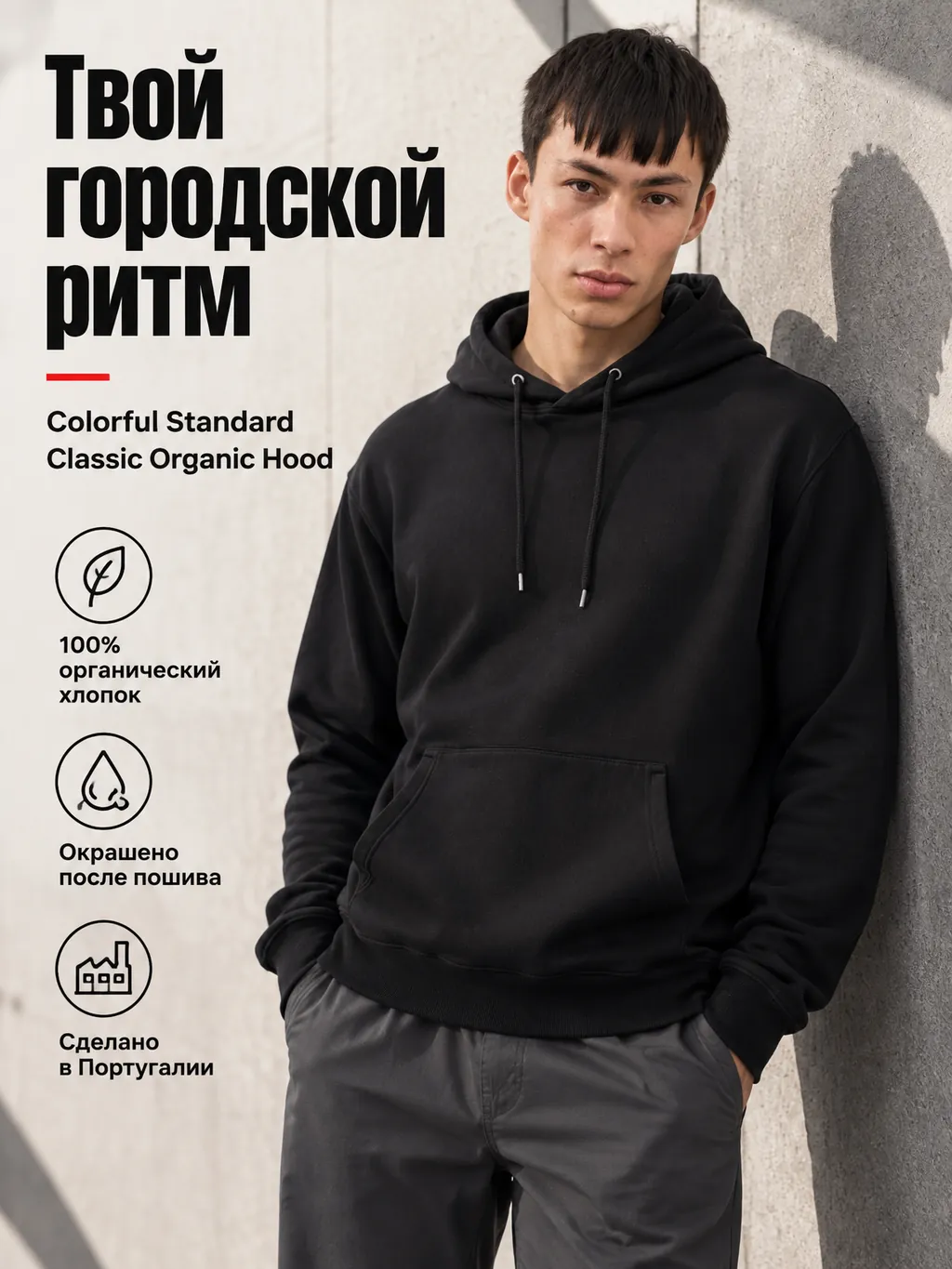
Choose an example and explore its different looks.
Start with a photo that shows your product clearly.
Find a scene that suits your product.
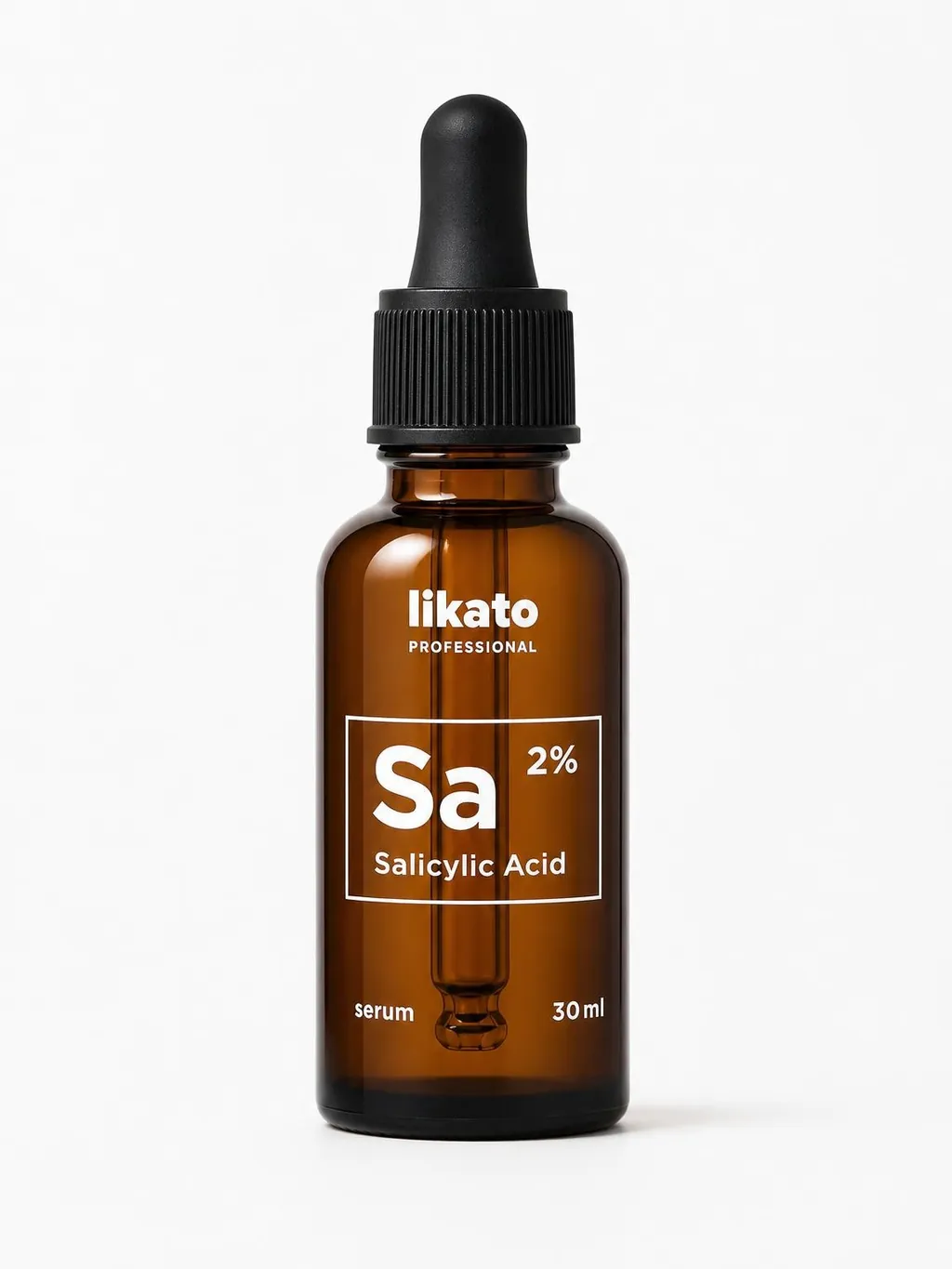
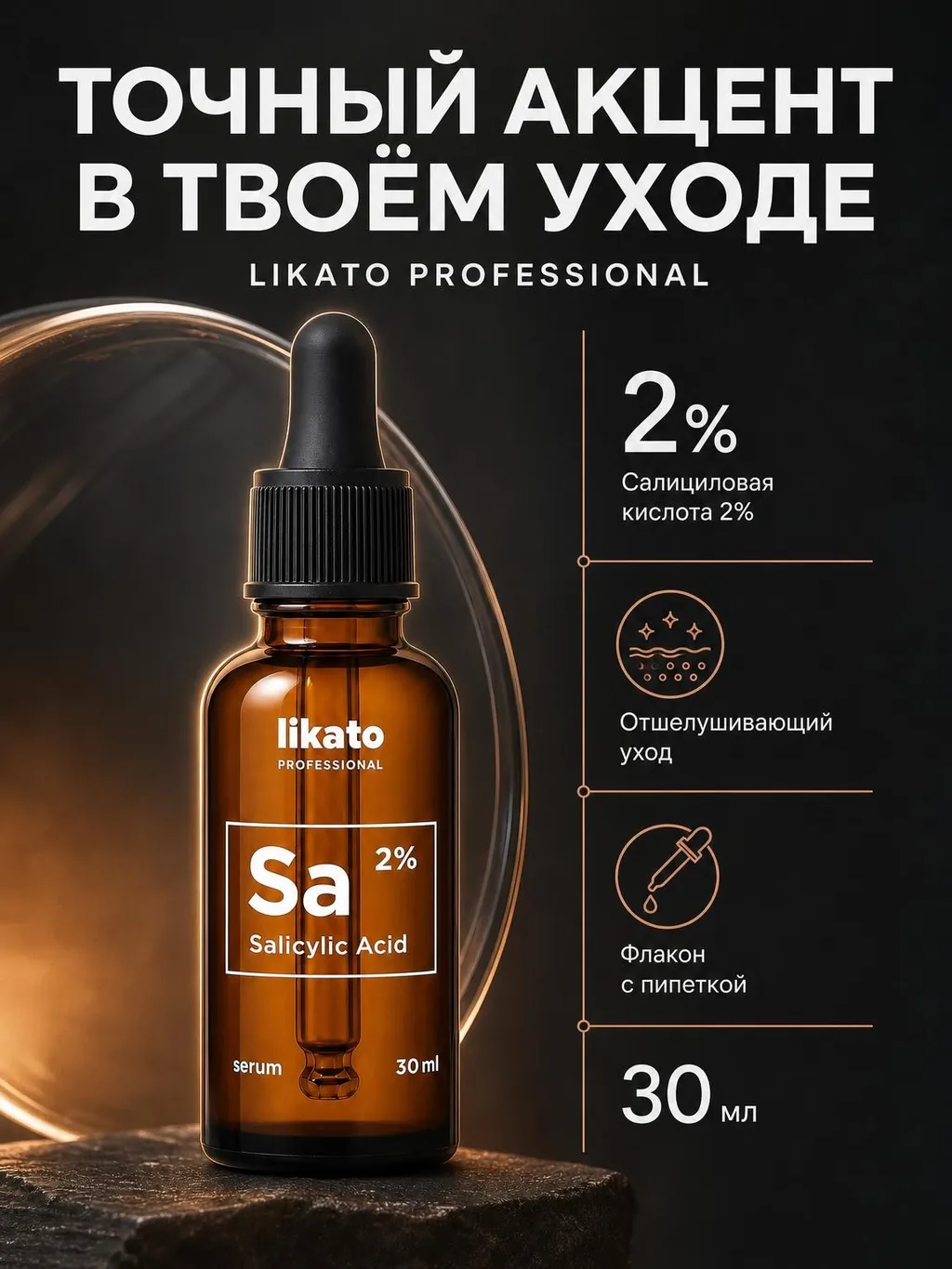
Upload a product photo and get a product card designed to sell on any marketplace.




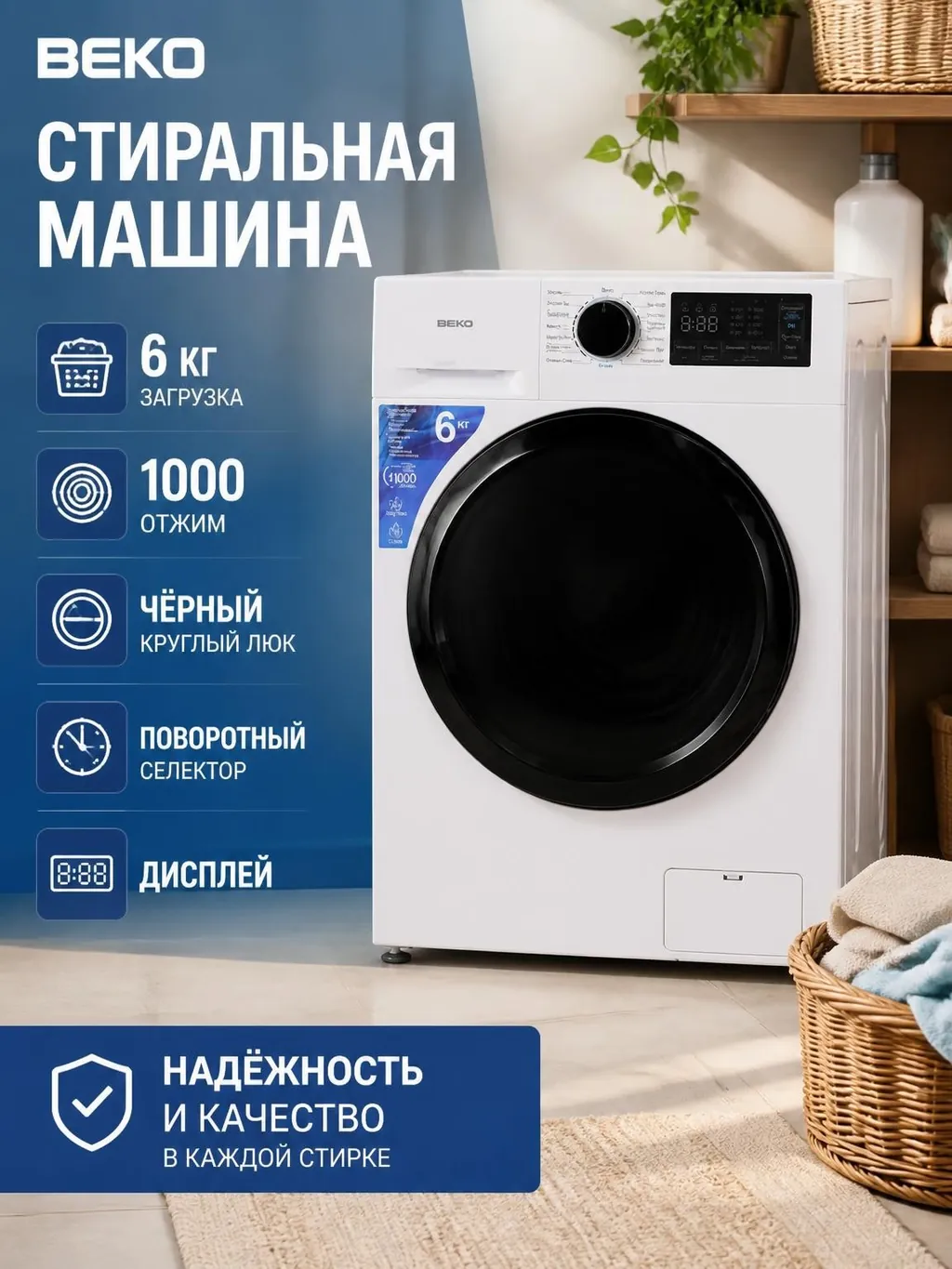
Show the product up close and add its main selling points.
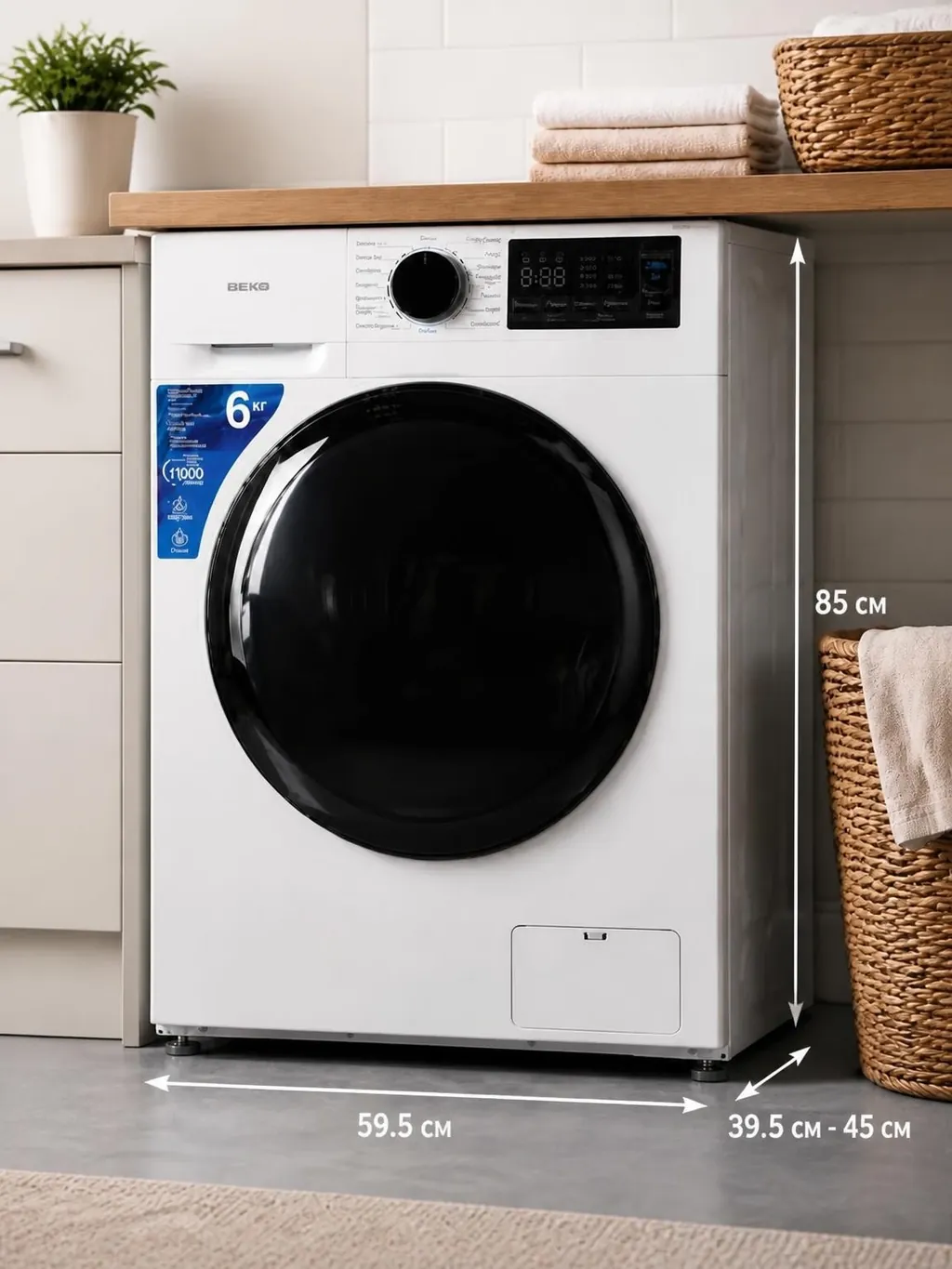
Explain product features and details with text on the image.
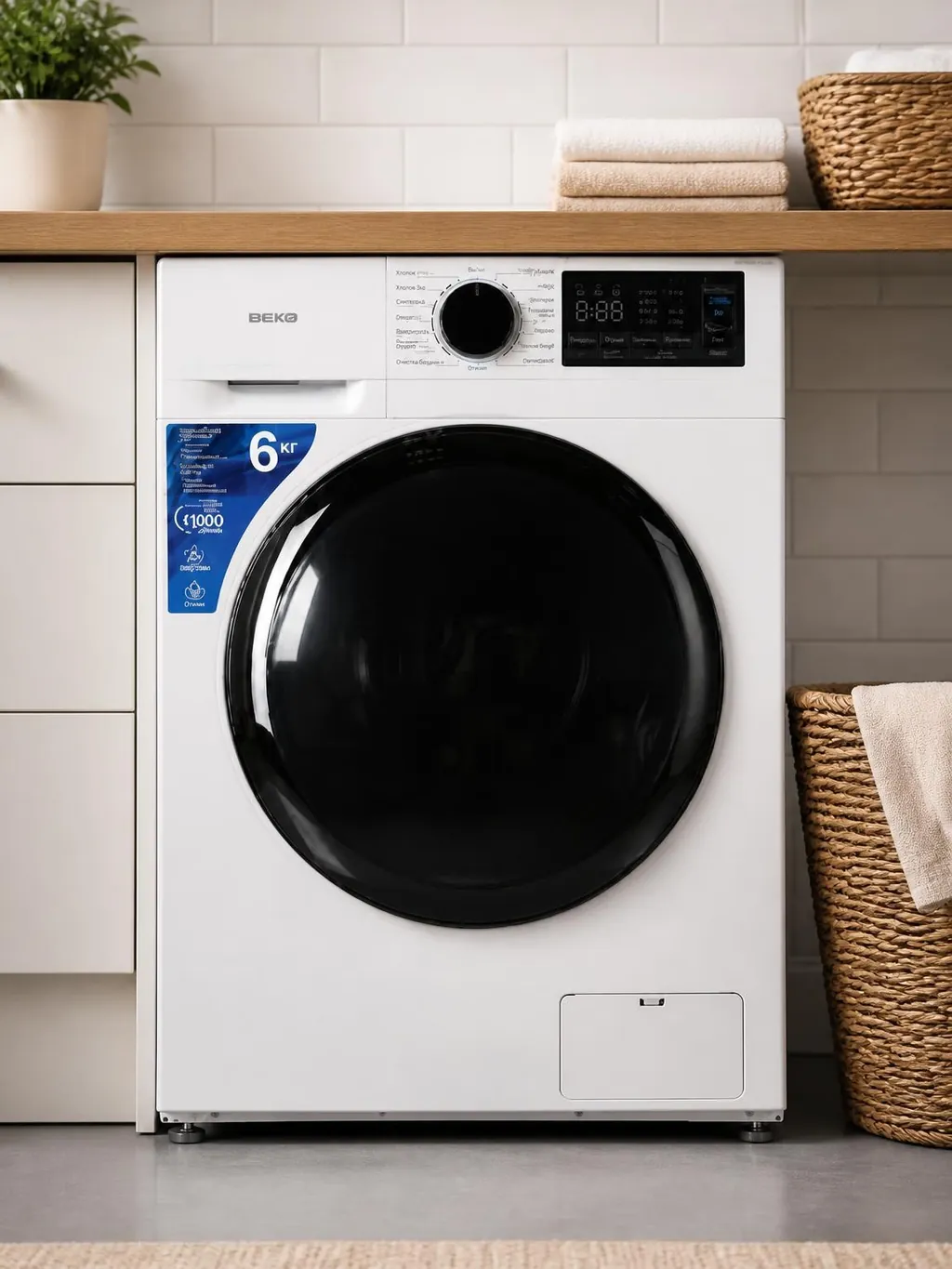
Extend the cover design into cards with details and examples of the product in use.
One product, any mood. Describe a style or add a reference, and let AI suggest a design featuring your product.
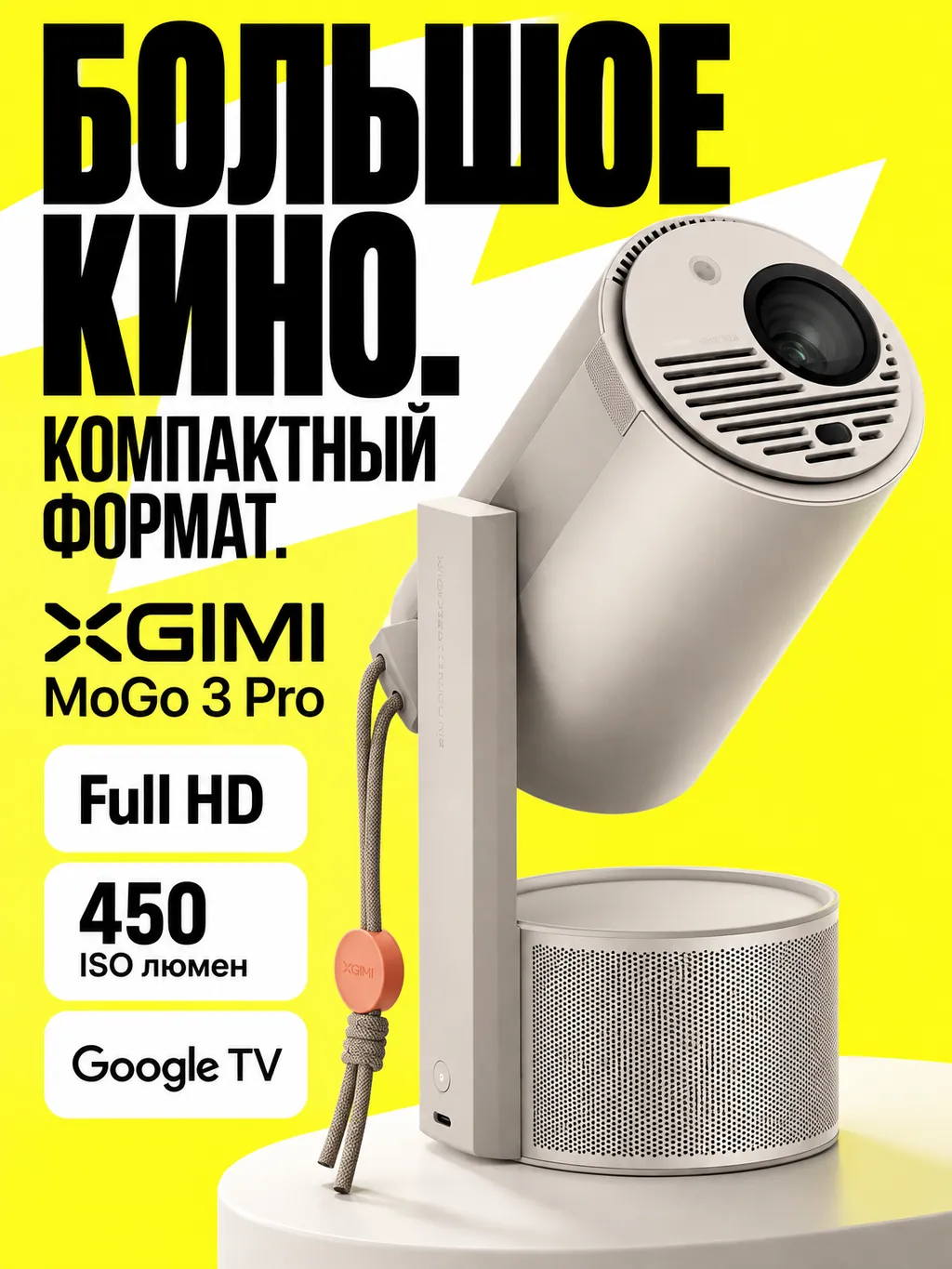
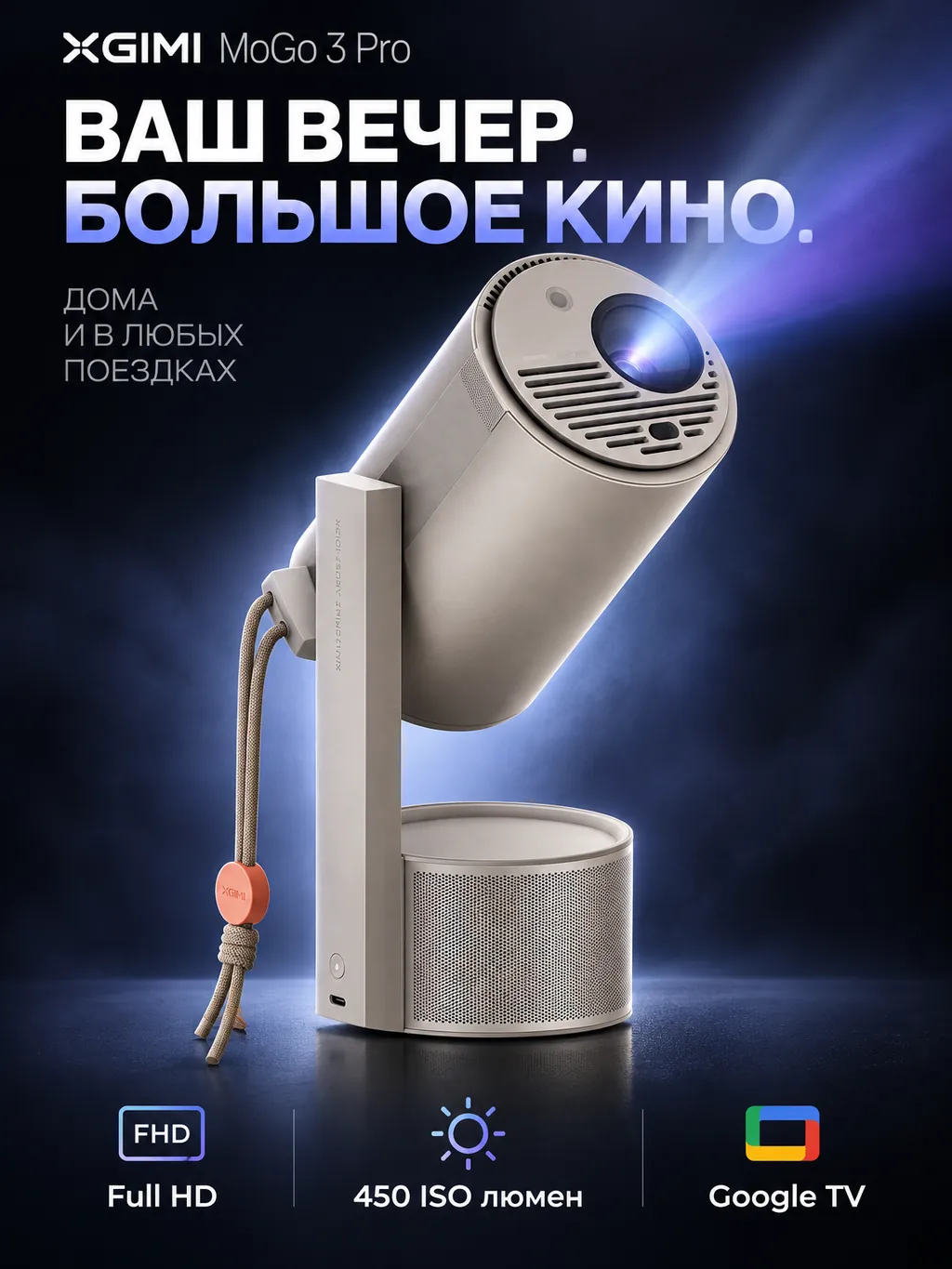
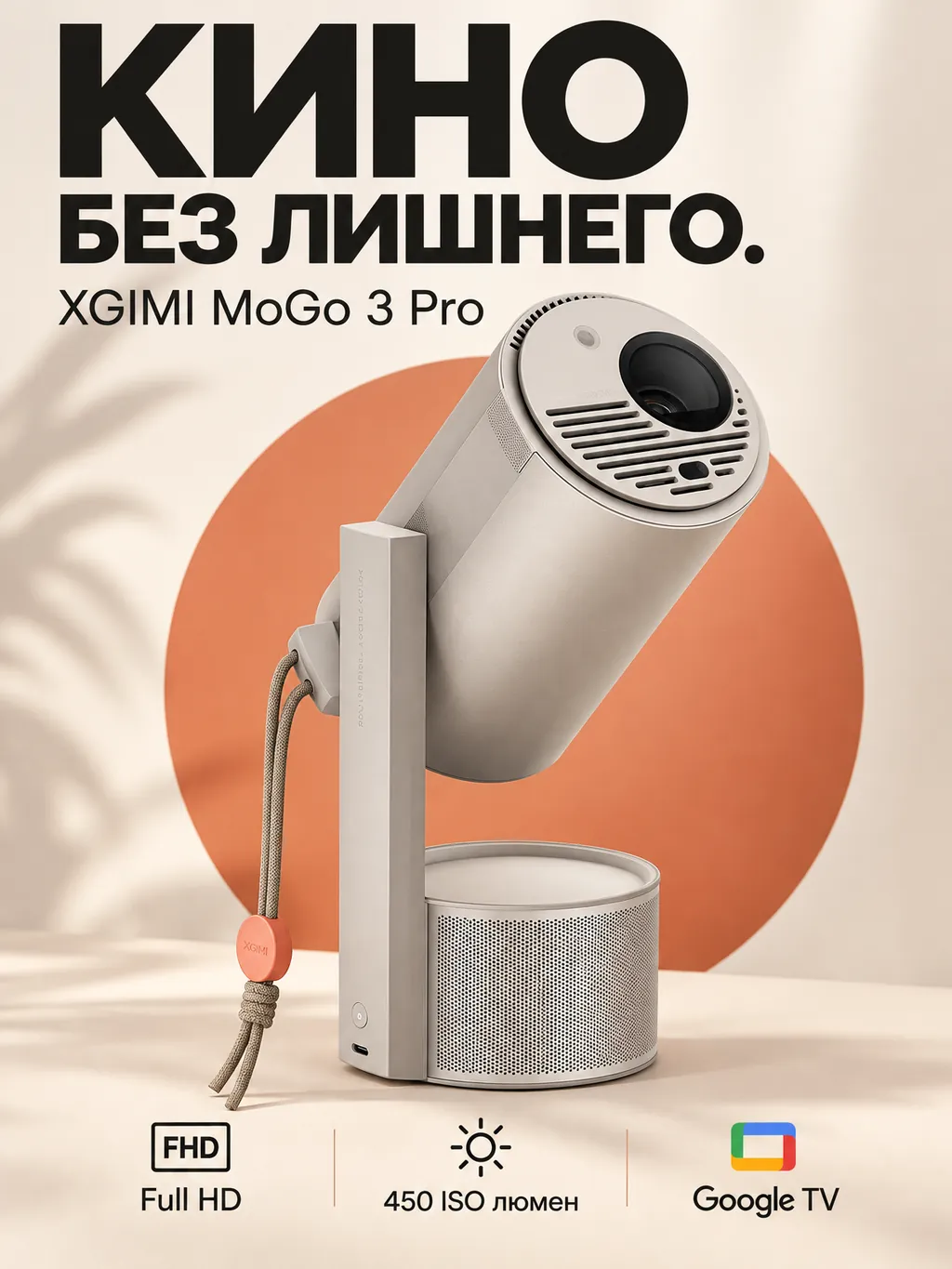
A bright yellow background and bold black headline. Show the projector and its key features.
Choose the main card. Add slides with the details and benefits of your product.

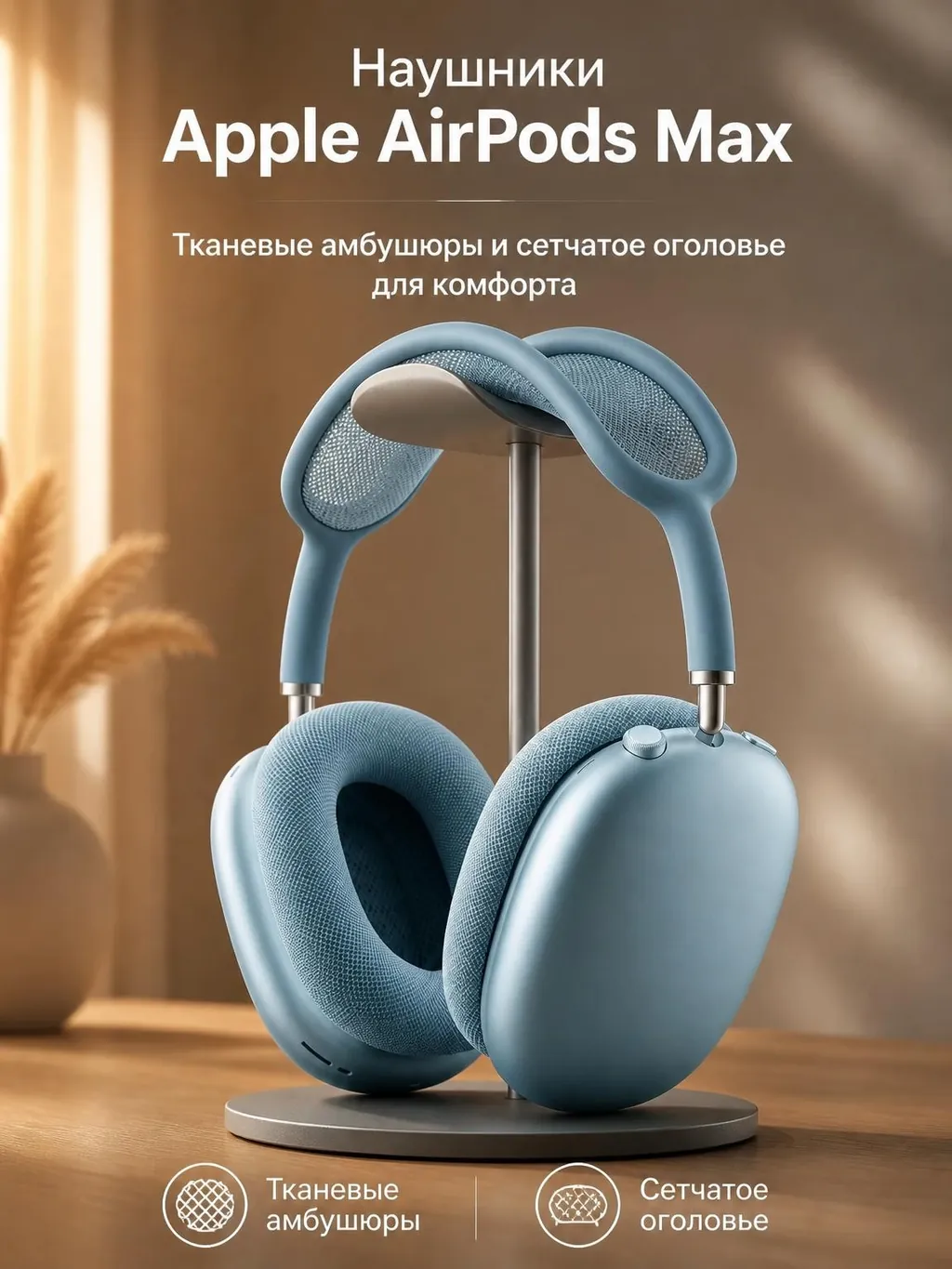
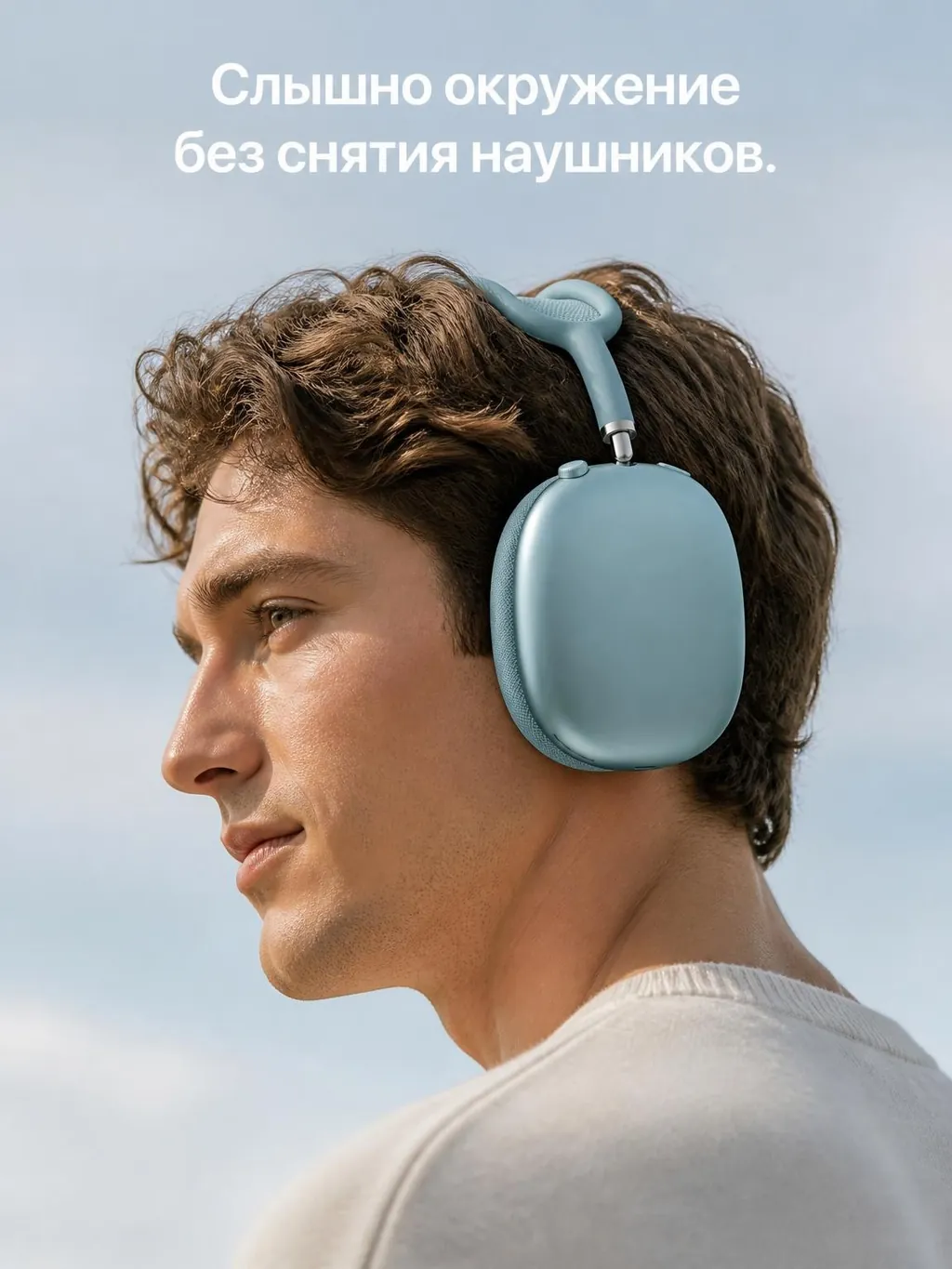
tokens on us
A welcome gift
Sign up and get 5 tokens. Upload a photo of your product, choose a design and try creating your first product card for free.
No bank card needed
Prepare a cover, feature cards and additional slides for a new product. Start with an ordinary phone photo.
Describe your style or add a reference. Create new product cards and series with a consistent design.
Change the headline, background or details with written instructions. Earlier versions stay in your project history.
One balance for all OpenCreative tools. Choose the token amount you need for a one-time top-up.
Loading packages…
See the exact cost of each generation in OpenCreative before you start.
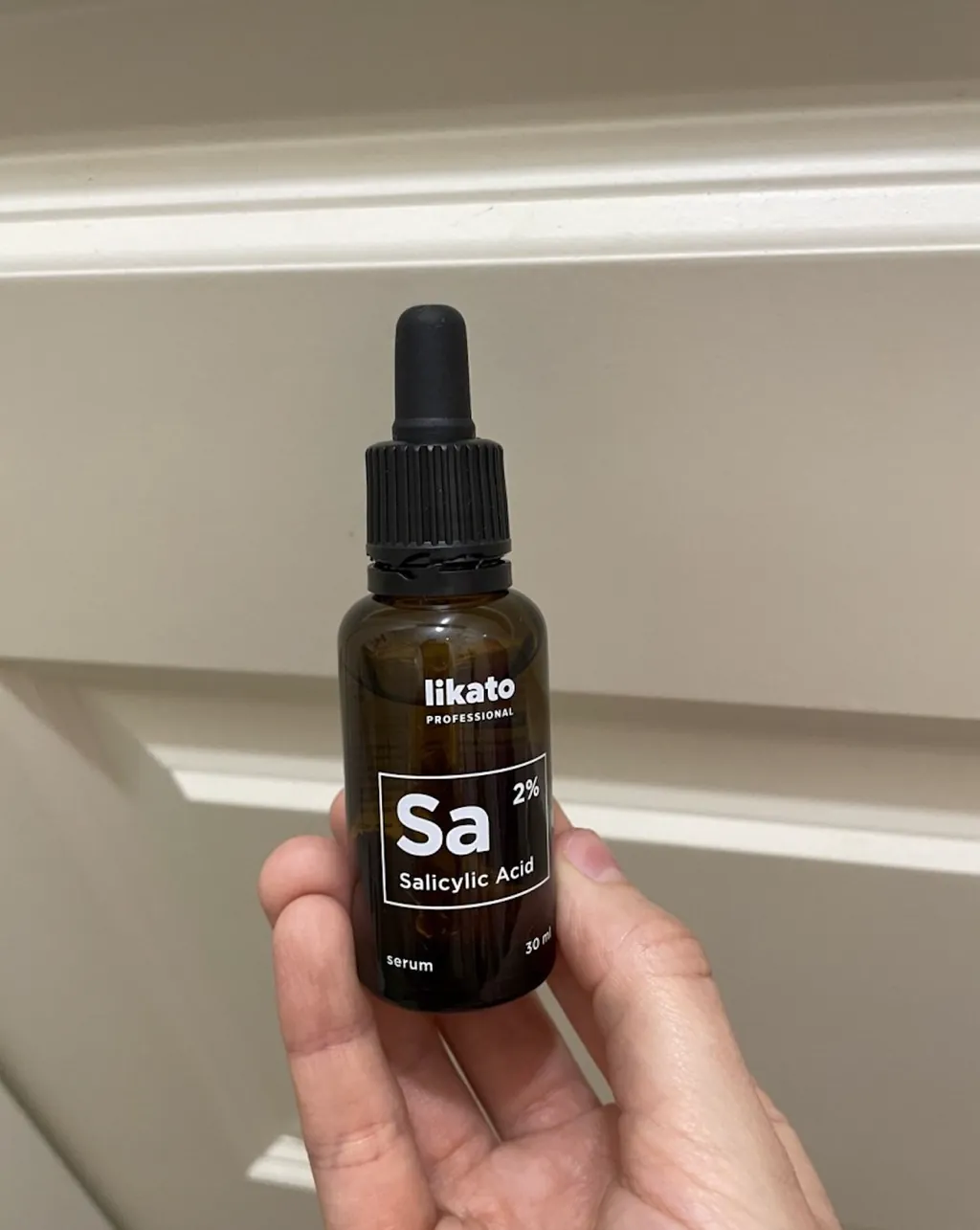
I uploaded an ordinary photo of cosmetics. The cover gave me a starting point I could easily refine for my brand.

It is convenient to describe edits in words: change the background, make the headline shorter. I do not have to rebuild the whole product card from scratch.

Thank you so much, everything turned out absolutely wonderful
Use a photo that clearly shows your product. Add several photos to show different sides or make the details clearer.
Yes. Choose “One product card”, add your photo and set up the design. You can get one to four versions in a single run.
Add a design reference, select an AI idea or describe your design preferences. Enter the headline and other card text in the settings.
Yes. Choose a result and describe what to change. The new version appears in your project history.
Photo mode creates an image of your product in a scene, without headlines or infographics. Card mode can include text and graphic design.
Before generation starts. The token price is shown for your chosen settings and number of versions.